
Website Security Checklist: 50 Things Every Website Owner Should Check
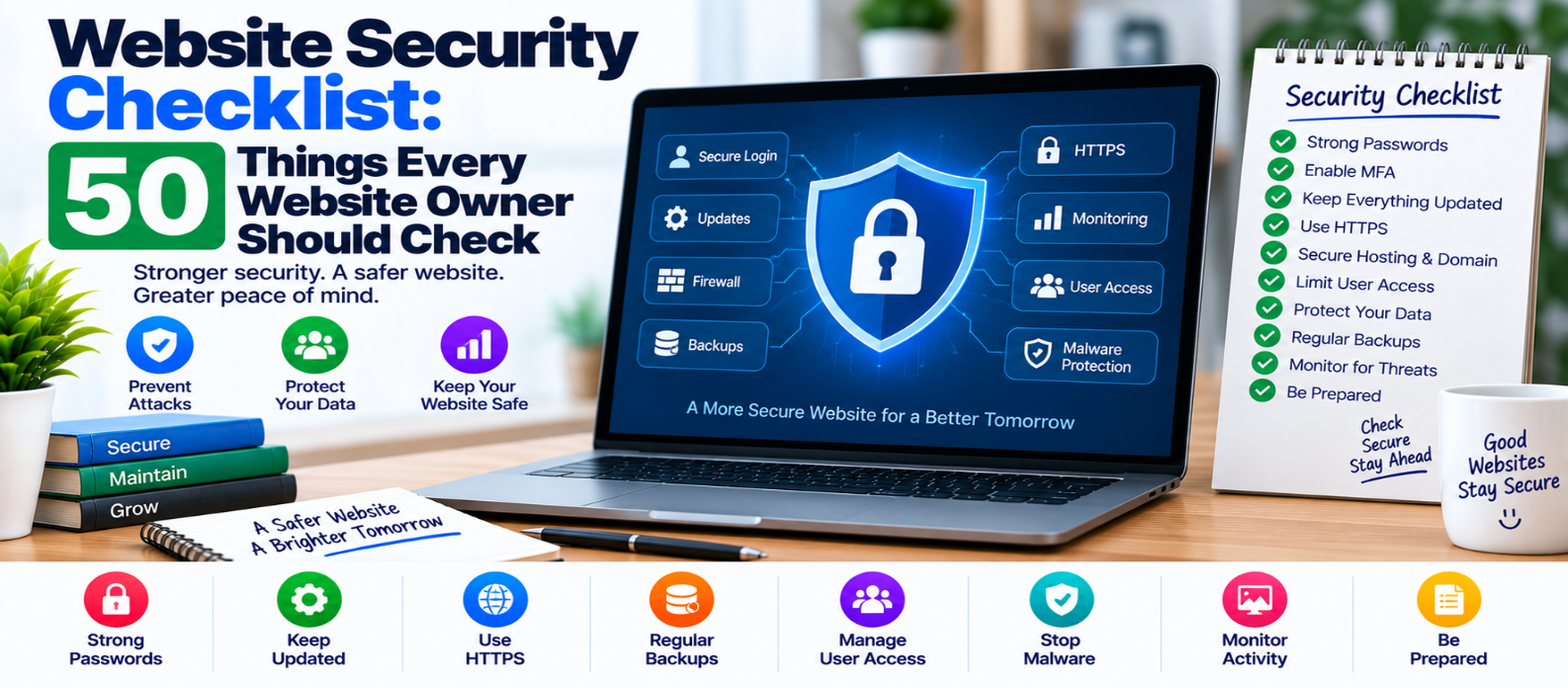
"Use this 50-point website security checklist to review passwords, MFA, updates, HTTPS, permissions, application security, data protection, backups, monitoring, vulnerabilities, and incident recovery."
Website Security Checklist: 50 Things Every Website Owner Should Check
Website security isn't only a developer's responsibility. If you own a website, decisions about passwords, hosting, updates, backups, permissions, plugins, and third-party services can directly affect its security.
No checklist can guarantee that a website will never be compromised. The goal is to reduce unnecessary risk, limit damage, detect problems sooner, and make recovery easier.
Use these 50 checks as a practical security review.
Accounts and Login Security
1. Use Strong, Unique Passwords
Never reuse your website administrator password on another service.
2. Enable Multi-Factor Authentication
Protect important administrative accounts with an additional verification factor.
3. Remove Unused Accounts
Old employee, developer, contractor, and test accounts shouldn't remain active indefinitely.
4. Give Users Only Necessary Permissions
Don't make everyone an administrator.
5. Review Administrator Accounts
Know exactly who has full control of the website.
6. Secure Hosting Accounts
Your hosting control panel can be as important as the website login itself.
7. Protect Domain Registrar Access
An attacker who controls your domain settings may be able to redirect visitors or interfere with services.
8. Secure Administrative Email Accounts
Password resets often depend on email, making email security part of website security.
9. Avoid Shared Administrator Credentials
Give authorized people individual accounts where practical.
10. Review Login Activity
Investigate unfamiliar logins, repeated failures, or unexpected account changes.
Software and Update Security
11. Keep Your CMS Updated
Apply supported security updates in a timely manner.
12. Update Plugins and Extensions
A secure core application can still be exposed through vulnerable add-ons.
13. Update Themes and Templates
Themes may contain executable application code, not just visual styles.
14. Remove Abandoned Software
Don't keep unused plugins, themes, libraries, or applications installed without a reason.
15. Use Supported Software Versions
Unsupported runtimes, frameworks, databases, and operating systems may stop receiving security fixes.
16. Review Third-Party Components
Know which packages and libraries your website depends on.
17. Avoid Untrusted Downloads
Pirated or modified themes, plugins, and scripts can contain malicious code.
18. Maintain a Software Inventory
Record important technologies and versions so outdated components are easier to identify.
HTTPS and Network Protection
19. Use HTTPS Across the Entire Website
Encrypt traffic between visitors and your website.
20. Maintain Valid TLS Certificates
Monitor certificate configuration and renewal.
21. Redirect HTTP to HTTPS
Avoid serving normal website pages over both secure and insecure connections unnecessarily.
22. Fix Mixed Content
An HTTPS page shouldn't depend on insecure HTTP resources.
23. Review DNS Security
Protect access to DNS management and regularly check important records.
24. Consider DDoS Protection
Sites at meaningful risk from traffic attacks should have an appropriate mitigation strategy.
Application Security
25. Validate User Input
Treat information received from users as untrusted.
26. Encode Output Correctly
Context-appropriate output encoding helps reduce cross-site scripting risks.
27. Use Parameterized Database Queries
Don't construct database queries by directly combining untrusted input.
Conceptually, avoid:
"SELECT ... WHERE name = '" + userInput + "'"Use your database library's parameterized query mechanism instead.
28. Protect Against CSRF
Sensitive state-changing actions should include appropriate cross-site request forgery defenses.
29. Secure File Uploads
Restrict allowed file types, sizes, names, storage locations, and access according to your use case.
30. Don't Trust File Extensions Alone
A filename ending in .jpg doesn't prove that its contents are a safe image.
31. Protect Sensitive Administrative Routes
Administrative interfaces should require proper authentication and authorization.
32. Check Authorization on Every Sensitive Action
Being logged in doesn't mean a user should have permission to access every record or operation.
33. Avoid Exposing Sensitive Error Details
Production errors shouldn't reveal passwords, secrets, database credentials, or unnecessary internal information.
34. Configure Security Headers Appropriately
Headers can strengthen browser-side protections when correctly configured.
Depending on the website, these may include policies relating to content loading, framing, transport security, and referrer information.
35. Secure Session Cookies
Authentication cookies should use suitable security attributes for the application's needs.
Secrets and Data Protection
36. Never Store Passwords in Plain Text
Applications handling passwords should use established password-hashing mechanisms designed for that purpose.
37. Keep Secrets Out of Public Code
API keys, database passwords, private tokens, and credentials shouldn't be exposed in frontend JavaScript or public repositories.
38. Rotate Exposed Credentials
If a secret becomes public, deleting the visible copy isn't enough. Revoke or rotate it.
39. Collect Only Data You Need
Less unnecessary sensitive data means less information available to expose.
40. Restrict Database Access
Database accounts should receive only the permissions they genuinely require.
Backup and Recovery
41. Create Regular Backups
Back up important files, configuration, and databases according to how frequently they change.
42. Keep Backups Separate
A backup accessible through the same compromised system may also be damaged or deleted.
43. Protect Backup Access
Backups can contain sensitive information and credentials.
44. Test Restoration
A backup isn't truly useful until you know it can be restored successfully.
45. Define a Recovery Plan
Know who will respond, what must be restored first, and how visitors or customers will be informed when necessary.
Monitoring and Ongoing Security
46. Monitor Unexpected File Changes
Unexplained modifications can indicate compromise or unauthorized access.
47. Review Logs
Server, application, authentication, and security logs can help identify unusual activity.
48. Monitor Website Availability
Unexpected downtime may reveal technical failures or security incidents.
49. Scan for Known Vulnerabilities
Regularly check your software and dependencies for known security problems and prioritize relevant fixes.
50. Have an Incident Response Plan
Decide what you'll do before a breach occurs.
A simple response sequence might be:
Detect
  ↓
Contain
  ↓
Investigate
  ↓
Remove the Cause
  ↓
Recover
  ↓
Monitor
  ↓
Learn and Improve
Avoid immediately destroying evidence you may need to understand what happened.
Five Areas Website Owners Should Never Ignore
If all 50 items feel overwhelming, begin with these:
1. Access — strong unique passwords, MFA, and limited administrator privileges.
2. Updates — keep supported software and dependencies patched.
3. HTTPS — encrypt website traffic and maintain certificates correctly.
4. Backups — maintain protected backups and verify that restoration works.
5. Monitoring — watch for suspicious activity, vulnerabilities, downtime, and unexpected changes.
Then work through the remaining checks according to your website's risk and complexity.
A Practical Security Routine
Website security works better as a schedule than as a one-time project.
Frequently: monitor availability, important alerts, and suspicious activity.
Regularly: review updates, backups, administrator accounts, software components, logs, and vulnerabilities.
After major changes: verify permissions, configuration, exposed data, dependencies, and backup/recovery procedures.
After an incident: determine the root cause instead of simply restoring the website and assuming the problem is solved.
Conclusion
Website security isn't about finding one plugin, firewall, or setting that makes everything safe.
Security is built in layers:
Accounts
   ↓
Software
   ↓
Application
   ↓
Server & Network
   ↓
Data
   ↓
Backups
   ↓
Monitoring & Recovery
A weakness in one layer shouldn't automatically expose everything else.
Work through these 50 checks, document what you find, prioritize serious risks first, and repeat the audit as your website changes.
The most useful security checklist isn't the one you complete once.
It's the one that becomes part of how you operate your website.
Get a Free Access To 200+ Free Tools:
|
Home Page |
|
|
Calculator Tools |
|
|
Text & Converter Tools |
|
|
PDF & Image Tools |
|
|
Games & Developer Tools |
|
|
Resume Builder |