
Website Performance Optimization: 50 Things You Should Fix in 2026
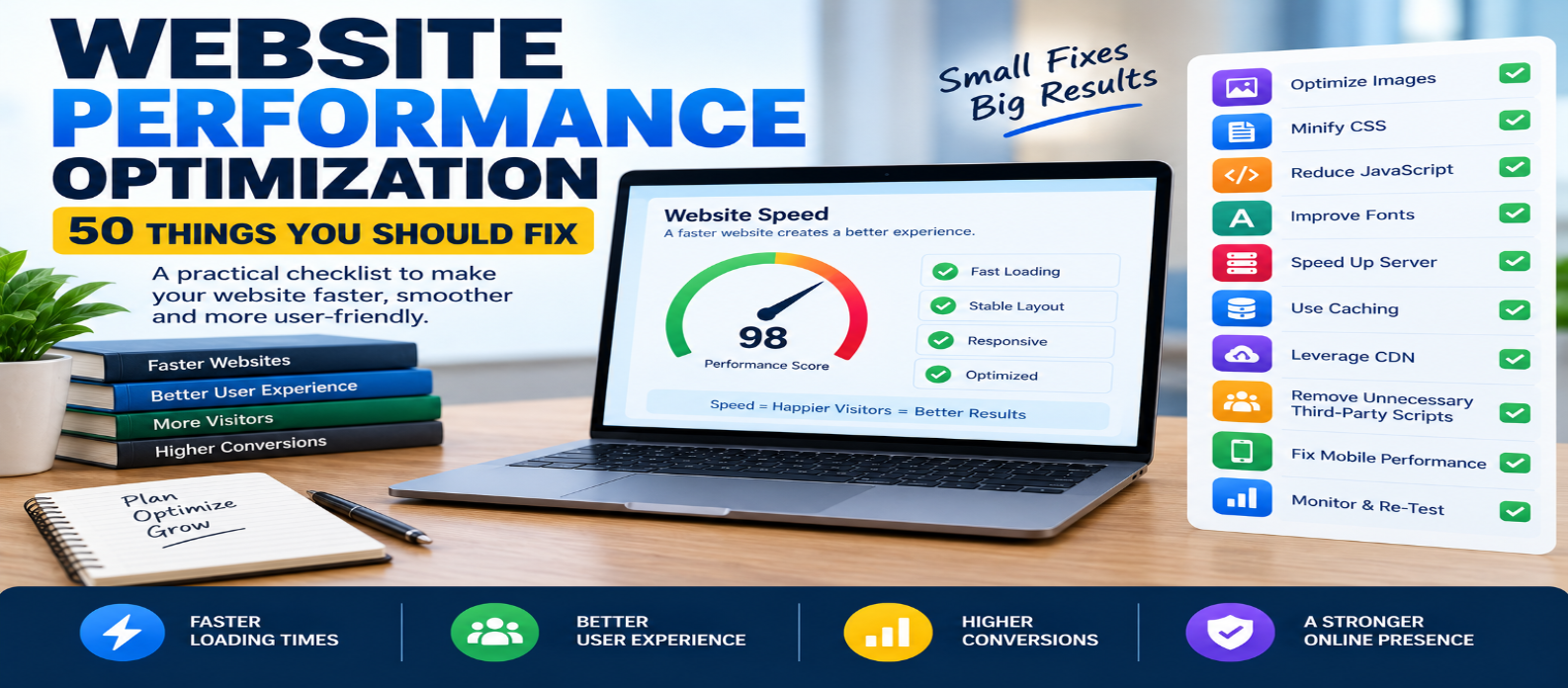
"Speed up your website with 50 practical performance fixes covering Core Web Vitals, images, CSS, JavaScript, fonts, caching, servers, CDNs, third-party scripts, and browser rendering."
Website Performance Optimization: 50 Things You Should Fix
A slow website rarely has one single problem. More often, performance suffers because dozens of small inefficiencies accumulate: oversized images, unnecessary JavaScript, slow server responses, poor caching, layout shifts, excessive third-party scripts, or resources loaded before they're actually needed.
The good news is that you don't need to rebuild your entire website.
Use these 50 website performance optimization checks to find practical improvements, starting with the issues that affect real visitors most.
Start With Measurement
Before changing anything, establish a baseline. Otherwise, you won't know whether an optimization actually helped.
1. Measure Real User Performance
Lab tests are useful, but real users experience different devices, networks, and locations. Use field data when available.
2. Check Largest Contentful Paint (LCP)
LCP measures how quickly the main visible content loads. Large hero images and slow server responses are common problems.
3. Check Interaction to Next Paint (INP)
INP evaluates page responsiveness to user interactions. Long JavaScript tasks can make a page feel unresponsive.
4. Check Cumulative Layout Shift (CLS)
Unexpected movement while a page loads creates a frustrating experience. Reserve space for images, advertisements, embeds, and dynamic elements.
5. Test Important Page Types
Don't test only your homepage. Check articles, product pages, landing pages, search pages, and other important templates.
Optimize Images
Images are often among the largest resources on a page.
6. Resize Images Before Uploading
Don't serve a 4000-pixel image when it appears at 800 pixels.
7. Compress Images
Reduce unnecessary file size while maintaining acceptable visual quality.
8. Use Modern Image Formats
Formats such as WebP and AVIF can provide efficient compression where browser and workflow support make them appropriate.
9. Serve Responsive Images
Use srcset and sizes so different screens can receive appropriately sized images.
<img
  src="photo-800.webp"
  srcset="photo-400.webp 400w,
          photo-800.webp 800w"
  alt="Example">
10. Lazy-Load Offscreen Images
Images far below the visible area often don't need immediate downloading.
<img src="photo.webp"
     loading="lazy"
     alt="Example">
Avoid blindly lazy-loading the main above-the-fold image.
11. Prioritize the Main Visual
If your LCP element is an important hero image, make sure the browser can discover and request it promptly.
12. Add Image Dimensions
Set width and height or otherwise reserve the correct aspect ratio to reduce layout shifts.
Fix CSS
CSS can delay rendering when poorly organized.
13. Remove Unused CSS
Large stylesheets containing rules never used on the page waste bandwidth and processing.
14. Minify Production CSS
Remove unnecessary whitespace and formatting from production files.
15. Avoid Huge CSS Framework Payloads
Using a framework isn't automatically slow, but shipping large amounts of unused framework CSS is wasteful.
16. Reduce Render-Blocking CSS
Prioritize styles needed for initial rendering and avoid loading unnecessary CSS early.
17. Simplify Excessive Visual Effects
Expensive effects, filters, and complex animations can increase rendering work.
Optimize JavaScript
JavaScript can affect both loading and responsiveness.
18. Remove Unused JavaScript
Don't ship code visitors never execute.
19. Reduce Bundle Size
Audit dependencies and avoid importing large libraries for tiny features.
20. Split Large JavaScript Bundles
Load code when the relevant page or feature actually needs it.
21. Use defer Where Appropriate
<script src="app.js" defer></script>Deferred scripts can download without blocking normal HTML parsing and execute after parsing completes.
22. Avoid Long Main-Thread Tasks
Break expensive work into smaller pieces so the browser can respond to user input.
23. Reduce Excessive DOM Work
Repeatedly reading and changing large portions of the DOM can become expensive.
24. Lazy-Load Heavy Features
Editors, maps, charts, video players, and other expensive components may not need to load immediately.
25. Remove Unnecessary Polyfills
Don't automatically send compatibility code that your supported browsers don't require.
Improve Fonts
Fonts can quietly add significant loading cost.
26. Reduce Font Families
Every additional family can require more downloads.
27. Limit Font Weights
If you only use 400 and 700, don't load six other weights.
28. Use Efficient Font Files
Modern compressed web-font formats can reduce transfer size.
29. Preload Critical Fonts Carefully
Preload only fonts genuinely required early. Excessive preloading competes with more important resources.
30. Configure Font Display Behavior
Choose an appropriate font-display strategy so text doesn't remain unnecessarily invisible.
Improve Server and Network Performance
Frontend optimization can't fully compensate for a slow backend.
31. Reduce Server Response Time
Profile application code, database queries, middleware, and infrastructure rather than guessing.
32. Enable HTTP Compression
Compress suitable text resources using supported compression methods such as Brotli or gzip.
33. Use Modern HTTP Protocols
HTTP/2 and HTTP/3 can improve resource delivery when supported by your infrastructure.
34. Use a CDN When It Solves a Real Problem
A CDN can reduce latency for geographically distributed visitors and decrease origin traffic.
35. Optimize Database Queries
Slow queries can delay HTML and API responses before the browser receives anything.
36. Cache Expensive Server Work
Frequently generated results may sometimes be safely cached instead of recalculated for every request.
37. Keep Software Updated
Current server software can provide security, compatibility, and performance improvements.
Configure Caching Properly
Good caching prevents unnecessary repeated downloads.
38. Cache Static Assets
Stable images, fonts, CSS, and JavaScript can often use effective browser caching.
39. Use Versioned Filenames
Instead of:
app.jsuse build-generated names such as:
app.a81c92.jsThis allows aggressive caching while ensuring changed files receive new URLs.
40. Configure Cache-Control
Set caching rules intentionally instead of relying on accidental defaults.
41. Use Validation When Appropriate
ETags or modification-based validators can allow browsers to confirm that cached content remains usable without downloading the full resource again.
Reduce Third-Party Overhead
Third-party code is easy to add and difficult to control.
42. Audit Every Third-Party Script
Ask whether each analytics, chat, advertising, social, tracking, or widget script provides enough value to justify its cost.
43. Remove Duplicate Tracking
Websites sometimes load multiple scripts performing overlapping measurements.
44. Delay Nonessential Third-Party Features
A support widget below the fold doesn't necessarily need to compete with your main content during initial loading.
45. Replace Heavy Embeds
Video and social embeds can load substantial resources. Consider lightweight placeholders that activate when users interact.
Fix the Page Itself
Sometimes the problem isn't infrastructure—it's simply too much content being loaded at once.
46. Reduce Excessive HTTP Requests
Every request isn't equally expensive, but hundreds of unnecessary resources still create overhead.
47. Keep the DOM Reasonable
Huge deeply nested page structures increase browser processing and can make JavaScript operations more expensive.
48. Prevent Layout Shifts
Reserve dimensions for:
Images
Ads
Embeds
Banners
Dynamic widgets
Don't insert unexpected content above what the user is already reading.
49. Prioritize Above-the-Fold Content
Resources required for the initial visible experience should generally receive higher priority than features far below the page.
50. Re-Test After Every Major Change
Optimization isn't complete when you deploy.
Measure again:
Before
   ↓
Make Change
   ↓
Measure Again
   ↓
Keep / Adjust / Revert
A change that sounds faster isn't automatically faster.
What Should You Fix First?
Don't try to complete all 50 items randomly.
Start with the biggest bottleneck.
A useful order is:
1. Server response time
If the initial response is extremely slow, frontend improvements can only do so much.
2. LCP resource
Optimize the main content users are waiting to see.
3. Large images
They often provide easy bandwidth savings.
4. Excessive JavaScript
Especially when responsiveness and INP are poor.
5. Render-blocking resources
Make important content available sooner.
6. Caching
Avoid repeatedly transferring unchanged files.
7. Third-party scripts
Remove anything that doesn't justify its performance cost.
Then address smaller issues.
Don't Optimize Metrics at the Expense of Users
Performance optimization isn't about chasing a perfect score.
A page can score well in one synthetic test and still provide a poor real-world experience.
Focus on questions such as:
- Does useful content appear quickly?
- Can visitors interact without delays?
- Does the page remain visually stable?
- Does it work well on slower mobile connections?
- Are repeat visits efficient?
- Are important actions responsive?
The goal is a fast experience, not simply a larger number on a testing tool.
A Simple Performance Workflow
Use this process whenever optimizing a website:
MEASURE
   ↓
IDENTIFY BOTTLENECK
   ↓
FIX ONE IMPORTANT ISSUE
   ↓
TEST AGAIN
   ↓
COMPARE RESULTS
   ↓
REPEAT
This prevents random optimization and helps you understand which changes actually matter.
Conclusion
Website performance comes from the entire delivery chain:
Server → Network → HTML → CSS → JavaScript → Images → Fonts → Browser
You don't need to apply every optimization technique to every website.
Instead, identify what is actually slowing down your pages and fix the highest-impact problems first.
Start with real performance measurements, Core Web Vitals, server response time, large images, JavaScript, caching, and third-party resources. Then work through the smaller improvements.
Fifty tiny optimizations aren't automatically better than fixing the three problems responsible for most of your site's delay.
Measure first. Fix what matters. Measure again.
Get a Free Access To 200+ Free Tools:
|
Home Page |
|
|
Calculator Tools |
|
|
Text & Converter Tools |
|
|
PDF & Image Tools |
|
|
Games & Developer Tools |
|
|
Resume Builder |