
JavaScript Functions Explained: Complete Guide for Beginners in 2026
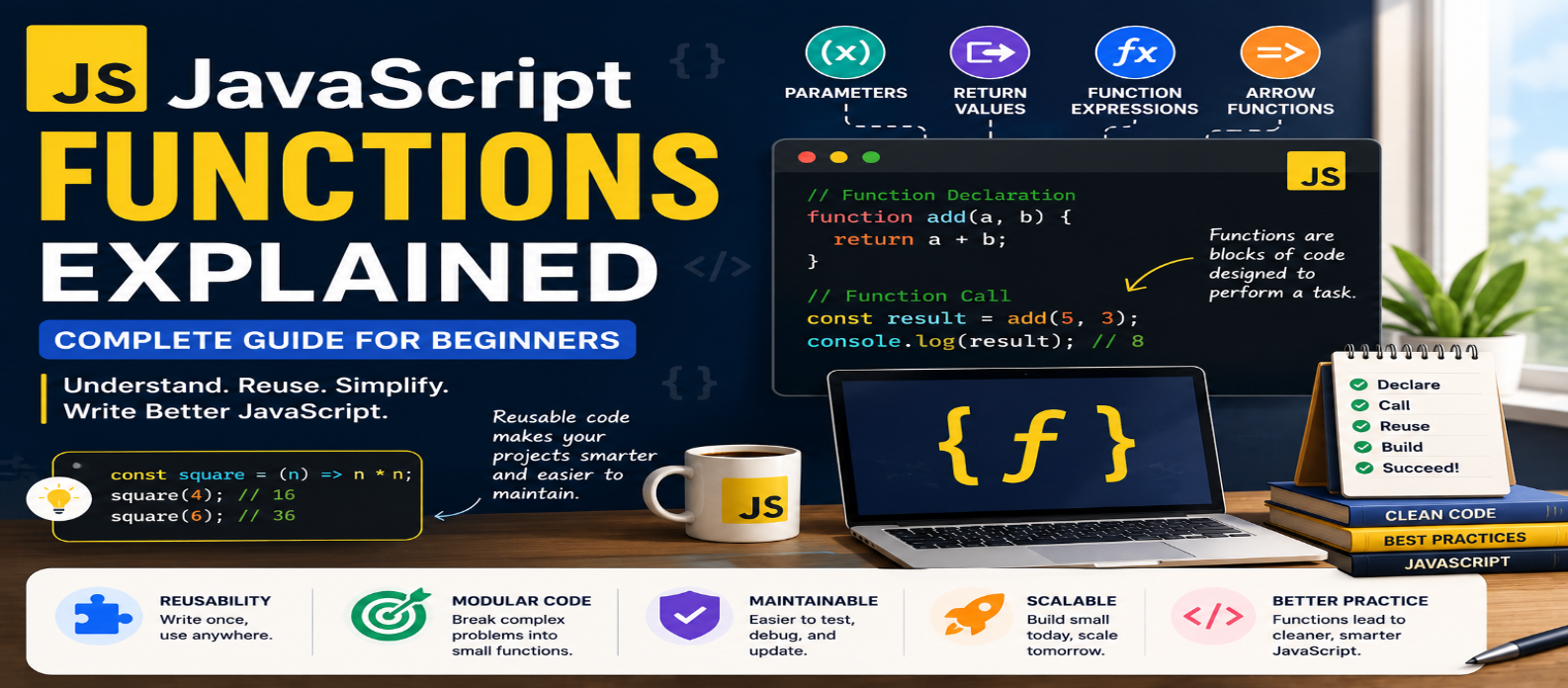
"Learn JavaScript functions from scratch with practical examples covering parameters, arguments, return values, function expressions, arrow functions, scope, callbacks, default parameters, rest parameters, and reusable code."
JavaScript Functions Explained: Complete Guide for Beginners in 2026
Functions are one of the foundations of JavaScript. Whether you're validating a form, calculating a shopping-cart total, responding to a button click, or processing API data, functions let you organize logic into reusable pieces.
Instead of writing the same instructions repeatedly, you can place them inside a function and run that function whenever needed.
This guide explains JavaScript functions from basic declarations to parameters, return values, arrow functions, scope, callbacks, and common mistakes.
What Is a JavaScript Function?
A function is a reusable block of code designed to perform a task.
A basic function looks like this:
function greet() {
  console.log("Hello!");
}
Defining the function doesn't run its body immediately.
To execute it, call it:
greet();Output:
Hello!Think of the pattern as:
Define Function → Call Function → Execute Code
Why Are Functions Important?
Imagine calculating prices in several places:
const total1 = 500 * 2;
const total2 = 800 * 3;
const total3 = 1200 * 4;
A function can capture the repeated logic:
function calculateTotal(price, quantity) {
  return price * quantity;
}
Now:
calculateTotal(500, 2);
calculateTotal(800, 3);
calculateTotal(1200, 4);
Functions help make code:
- Reusable
- Easier to read
- Easier to test
- Easier to modify
- Better organized
Parameters and Arguments
Functions become more useful when they can receive information.
function greet(name) {
  console.log(`Hello, ${name}!`);
}

greet("Ravi");
Here:
name is a parameter.
"Ravi" is an argument supplied when the function is called.
Multiple parameters are possible:
function multiply(a, b) {
  return a * b;
}

multiply(5, 4);
The result is 20.
Returning Values
A function can send a value back using return.
function add(a, b) {
  return a + b;
}

const result = add(10, 5);

console.log(result);
Output:
15return does two important things:
- Provides a value to the caller.
- Ends the current function execution.
For example:
function checkAge(age) {
  if (age < 18) {
    return "Minor";
  }

  return "Adult";
}
Once a return executes, statements later in that function call aren't executed.
Function Declaration vs Function Expression
JavaScript provides several ways to create functions.
Function Declaration
function sayHello() {
  console.log("Hello");
}
Function Expression
A function can also be assigned to a variable:
const sayHello = function () {
  console.log("Hello");
};
Both create callable functions, but their behavior around declaration timing and hoisting differs.
Function declarations can generally be called earlier in their scope before the declaration appears:
sayHello();

function sayHello() {
  console.log("Hello");
}
Don't assume a function expression assigned to const behaves the same way before its initialization.
Arrow Functions
Arrow functions provide a compact function syntax.
Traditional function expression:
const add = function (a, b) {
  return a + b;
};
Arrow version:
const add = (a, b) => {
  return a + b;
};
For a single expression, it can be shortened:
const add = (a, b) => a + b;Arrow functions are useful, but they aren't simply shorter replacements for every traditional function.
One important difference is how they handle this.
Understanding this in Arrow Functions
Regular functions can receive their this value based on how they're called.
Arrow functions don't create their own this; they use the surrounding lexical this.
For example, blindly converting every method to an arrow function can change behavior.
const user = {
  name: "Asha",

  greet() {
    console.log(this.name);
  }
};

user.greet();
For object methods that need the object through this, method syntax like this is often appropriate.
Learn arrow functions as a distinct function form rather than treating them as automatic replacements.
Default Parameters
You can provide a default value:
function greet(name = "Guest") {
  return `Hello, ${name}!`;
}

greet();
Result:
Hello, Guest!If an argument isn't provided or evaluates as undefined, the default parameter can be used.
This can make function behavior clearer than repeatedly checking for missing values inside the function.
Rest Parameters
Sometimes a function needs an unknown number of arguments.
Use rest syntax:
function sum(...numbers) {
  return numbers.reduce(
    (total, number) => total + number,
    0
  );
}

sum(10, 20, 30);
Result:
60numbers becomes an array containing the supplied arguments.
Understanding Function Scope
Variables declared inside a function are normally limited to that function's scope.
function showMessage() {
  const message = "Hello";

  console.log(message);
}
Trying to access message outside that function won't work:
console.log(message);Keeping variables in the narrowest useful scope helps avoid accidental conflicts and makes code easier to understand.
What Is a Callback Function?
Functions can be passed to other functions as values.
Example:
function processUser(name, callback) {
  callback(name);
}

processUser("Maya", function (name) {
  console.log(`Welcome, ${name}`);
});
The function passed as an argument is commonly called a callback.
Callbacks appear throughout JavaScript.
For example:
button.addEventListener("click", () => {
  console.log("Button clicked");
});
The arrow function is a callback that runs when the click event occurs.
Functions Are Values in JavaScript
JavaScript functions can be:
- Assigned to variables
- Stored in objects
- Passed as arguments
- Returned from other functions
For example:
function createMultiplier(multiplier) {
  return function (number) {
    return number * multiplier;
  };
}

const double = createMultiplier(2);

double(5);
Result:
10This ability is fundamental to many JavaScript patterns.
Pure Functions
A useful concept is a function whose result depends only on its inputs and which doesn't unexpectedly modify outside state.
Example:
function calculateTax(price, rate) {
  return price * rate;
}
Given the same inputs, it produces the same result.
Compare that with:
let total = 0;

function addToTotal(amount) {
  total += amount;
}
The second function changes external state.
Side effects aren't automatically bad—applications need them—but separating calculations from state changes can make code easier to reason about and test.
Practical Example: Shopping Cart Calculation
Consider:
function calculateSubtotal(price, quantity) {
  return price * quantity;
}

function applyDiscount(total, percentage) {
  return total - total * (percentage / 100);
}

const subtotal =
  calculateSubtotal(1000, 3);

const finalPrice =
  applyDiscount(subtotal, 10);

console.log(finalPrice);
Instead of placing every calculation in one large block, each function has a clear responsibility.
This makes future changes easier.
Keep Functions Focused
Compare a function that tries to:
Fetch User → Validate User → Calculate Price → Update DOM → Send Analytics
with several focused functions:
getUser()
validateUser()
calculatePrice()
renderPrice()
Smaller functions aren't automatically better, but a function with a clear purpose is usually easier to understand.
A useful question is:
Can I describe what this function does in one short sentence?
If not, it may be doing too much.
Common Function Mistakes
Forgetting to Call the Function
greet;references the function.
greet();calls it.
Forgetting return
function add(a, b) {
  a + b;
}
This doesn't return the calculated value.
Creating Huge Functions
Break complicated logic into meaningful responsibilities when it improves clarity.
Overusing Global Variables
Pass data through parameters and return values when appropriate.
Converting Everything to Arrow Functions
Understand the differences involving this, constructors, and other function behavior before replacing traditional functions automatically.
Beginner Learning Roadmap
Learn JavaScript functions in this order:
Function Declarations
↓
Parameters & Arguments
↓
Return Values
↓
Function Expressions
↓
Arrow Functions
↓
Scope
↓
Callbacks
↓
Higher-Order Functions
↓
Closures
Once these concepts are comfortable, many advanced JavaScript topics become easier.
Conclusion
JavaScript functions allow you to turn repeated or complex logic into reusable, understandable pieces of code.
Start with:
function add(a, b) {
  return a + b;
}
Then learn how functions interact with parameters, return values, scope, callbacks, and other functions.
Don't focus only on shorter syntax. A good function should make the program easier to understand.
When each function has a clear responsibility and communicates through sensible inputs and outputs, even larger JavaScript applications become much easier to organize and maintain.
Get a Free Access To 200+ Free Tools:
|
Home Page |
|
|
Calculator Tools |
|
|
Text & Converter Tools |
|
|
PDF & Image Tools |
|
|
Games & Developer Tools |
|
|
Resume Builder |